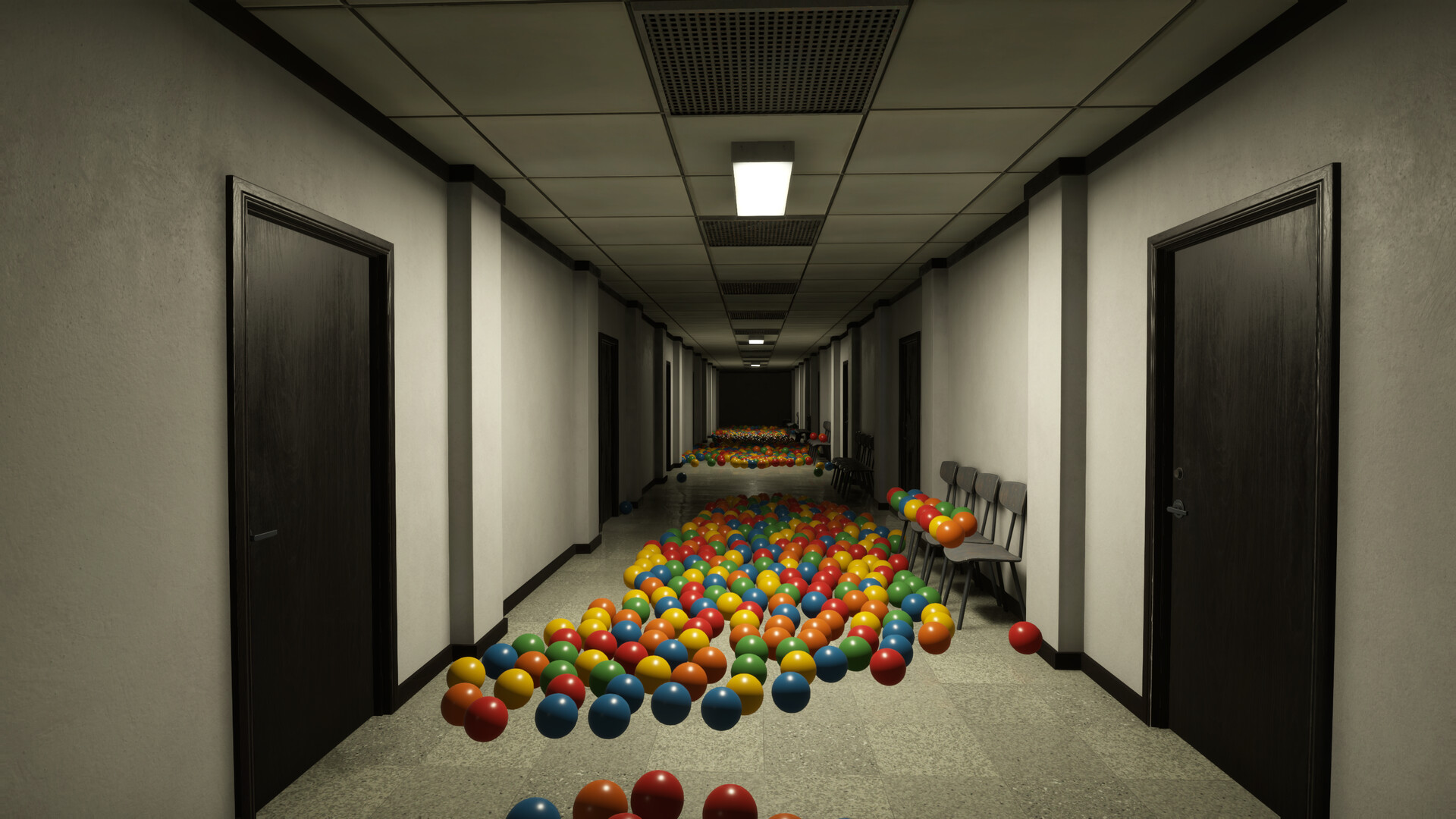
Return Before the Building Goes Dark
Staying out after your shift exposes you to the danger in the darkness: getting caught restarts the current day on Normal and deletes the save on Hardcore, while Cozy removes the usual lethal encounters. Stop collecting when the lights begin switching off and return to the starting office before blackout.
Read the Clock and the Light Cues
The lights begin switching off one by one when the shift ends. Watch the in-game clock as well as the available light, especially when working farther from the starting office. Start your return while the route is still manageable, and avoid relying solely on a flashlight after the building goes dark.
Make your return journey part of the shift from the moment you leave the office. Work outward while you have comfortable time, then move back toward familiar corridors as the work period runs down. Leave distant piles and optional detours for another working day instead of extending a journey that already feels tight.
Follow a Safe Return Routine
- Check the in-game clock before extending a trip, so you can decide to turn back while you still recognize the route home.
- Stop collecting when the lights begin shutting off, making the return to your starting office your immediate objective.
- Retrace your familiar route toward the starting office without adding side rooms or collectible searches along the way.
- Walk through any School corridors on your return; sprinting can trigger the principal, while the stairs are exempt from that restriction.
- Enter the starting office before blackout so you are back where the opening instructions tell you to spend the rest period.
Understand What Each Difficulty Risks
| Mode | Consequences |
|---|---|
| Cozy difficulty removes the usual lethal encounters. | The day-night cycle remains, and players report being returned safely when a shift ends. Choose it when relaxed cleanup matters more to you than the horror encounters. |
| Normal difficulty keeps the ordinary danger. | Getting caught restarts the current day, costing the work completed since that morning. It lets you learn the facility without putting the entire save at risk. |
| Hardcore difficulty puts the run at risk. | Getting caught deletes the save. Learn the rooms and their hazards before choosing this mode if you want to avoid losing a run while discovering an unfamiliar route. |
Choose Normal if you want to learn the horror encounters while keeping the consequences limited to a failed day. Choose Cozy if you mainly want to collect, clean and upgrade. Save Hardcore for a run where you already know how to leave the rooms you plan to visit.
Buy Upgrades That Help You Get Home
If your return journey regularly becomes the problem, spend some earnings on movement and light skills. Longer Days increases working time, while Slow Blackout makes the closing part of the shift easier to manage. Sprint Speed and Sprint Stamina help with longer journeys once Sprint is available.
- Consider Longer Days when you need more working time before the rest period.
- Consider Slow Blackout when the end of the shift leaves too little room for a comfortable return.
- Consider Sprint Speed and Sprint Stamina when the distance back to the office becomes your main difficulty.
- Keep following the School's walking rule even after upgrading Sprint, because its corridor restriction still matters.
Restart the Morning Before the Option Becomes Unavailable
Restart day reloads the checkpoint from the beginning of the current morning. Work completed afterward is lost, so choose it only when you are willing to replay that part of the day. Use it while it is available instead of waiting until darkness or a pursuit has already made the situation worse.
- Open the pause menu during an eligible part of the day to reach the game's help options.
- Open Help to find the Restart day option.
- Choose Restart day to reload the morning checkpoint and discard the work completed since that morning.
Restart day is unavailable during the prologue, at night, while something is hunting you, while asleep and after death. If a pursuit has already started, the option cannot provide a reset at that moment. On the next attempt, make the decision earlier, while you still have access to the morning restart.
Allow More Return Time in the School and Hotel
In the School, remember that a long staircase can leave you farther from the exit than you expect. Allow time to walk the corridors on the way back, releasing Sprint when you leave the stairs. Hurrying through a corridor can trigger a separate hazard even before the normal blackout becomes your immediate problem.
In the Hotel, use door numbers and the Cleaning Schedule to track unfinished work. Stop opening new rooms before the lights go out and return to the starting office. Continue checking the remaining room numbers on a later shift instead of turning a late departure into another search.
Playing Without the Usual Jump Scares
- Can I turn off the jump scares without starting a new save?
- Choose Cozy when creating a save to play without the usual jump scares and lethal encounters; if you are already playing Normal, starting a fresh Cozy save gives you that experience.